
Searching Cases by Name
Most Greene County trial work runs through Greene County CourtView 2000. Use it for Common Pleas, felony, general civil, Domestic Relations, and Second District filings. The public protocol handles a name search or a case-number search. Never both at once. Pick the name mode, type a party name, and finish the CAPTCHA. Hunting a company? Use Company Name rather than Last Name. Results come back as a chronological docket. Read the newest entry before you assume anything about a hearing or filing.
- Classify the case and select the portal owned by that Greene County court.
- For CourtView name mode, enter last and first information and complete the required CAPTCHA.
- Review matching cases by court, case type, and the event history rather than selecting a similar name without checking details.
- Open the latest docket entries and confirm the next hearing or needed record with the owning clerk when accuracy is important.
Other Greene County courts keep their own doors. Fairborn supplies a separate public form for cases in its territory. Xenia points searchers to municipal public-access and daily-docket tools. Probate offers its own county case-search link. Juvenile access follows local rules. No single Ohio search replaces any of these Greene County court channels.
| Field label | Type | Required | Notes |
|---|---|---|---|
| CAPTCHA | Challenge input | Yes | Required before CourtView access. |
| Last Name / First Name | Text | First Name needs one character with a last-name search | Use name mode, not case-number mode. |
| Company Name | Text | Optional alternate | Use for a business instead of Last Name. |
| Case Number | Text | One search mode | Do not enter a name with the case number. |
| Search | Button | Yes | The Clerk FAQ directs users to submit at the bottom of the form. |
Greene County Case Search Modes
CourtView's search rules block a few common mistakes. A last-name search needs at least one character in the First Name field. Put a company in Company Name, not the individual-name field. Clear the name side before entering a case number. Clear the case-number side before searching by name. Mix the modes and a valid Greene County case can stay hidden.
The docket itself tracks court activity. The Clerk describes the public result as clerk-required docket entries and information. Examples: completed service, a filed motion, or a scheduled hearing. CourtView is normally refreshed once every 24 hours on business days. A new Greene County filing or order may take time to show. The portal does not provide document images.
Note: A no-result screen can reflect the search mode. It can reflect timing, court venue, or an access rule. It is not proof that no Greene County case exists.
Searching by Case Number
A precise number is often the strongest Greene County case-search key. For Common Pleas, CourtView gives the pattern YYYY TT SSSS, like 2012 CR 0111. The year comes first. The middle code names the case type. The final sequence marks the file. Enter it in case-number mode, with no party name attached. The portal's own examples include the type code CR.
Municipal formats differ. Fairborn's public form wants a case number or ticket number using numbers only. No letters. Even so, a Fairborn calendar can show prefixed case numbers such as TRD or CRB. Xenia offers municipal public-access tools but does not publish a full field list. Use the number exactly as the court prints it. Call the municipal clerk if a format returns nothing.
Greene County Fairborn Case Search
Fairborn Municipal Court Search Court Records is the direct Greene County route for Fairborn, Beavercreek, Beavercreek Township, and Bath Township municipal matters. The official form states no account, no login, and no search fee. It accepts a name or company. It also takes a numbers-only case number, a numbers-only ticket number, a hearing date, or a file date. Copy the name format the court shows. That means last name, comma, space, then first and middle name. Small details matter here.
| Fairborn field | Format or control | Use |
|---|---|---|
| Name/Company | Text | Enter Last, First Middle as specifically as possible. |
| Case Number | Numbers only | Do not enter letters; the official example has seven digits. |
| Ticket Number | Numbers only | Do not enter letters; the official example has seven digits. |
| Hearing Date / File Date | Month and day dropdowns with year input | Optional ways to narrow a Greene County Fairborn search. |
| Begin Search | Button | Runs the submitted form. |
Fairborn's online material follows Ohio Rules of Superintendence access limits and court-security standards. An online case search can show the docket route, but confidential information stays withheld.
What a Greene County Case Search Returns
A CourtView result is a time-ordered index. It shows the case activity the Clerk must keep. It can support the case number, service activity, motions, and the next hearing event. A Fairborn daily calendar can add setting details. Think time, case type, agency, participant or attorney field, event label, charge description, prosecutor, and judge. Those fields belong to Fairborn's calendar. Don't expect them in every Greene County court or every CourtView result.
| Case number | The court’s identifier, including CourtView’s year, type, and sequence pattern where applicable. |
|---|---|
| Case activity | Chronological docket entries such as service, a motion, or a scheduled hearing. |
| Setting detail | The next court event and, in some local daily-calendar results, its time and event label. |
| Coverage status | Prior-business-day information in CourtView, with pre-1982 files unavailable through that portal. |
| Documents | Public CourtView docket entries do not include corresponding public document images. |
Need a signed order, pleading, or certified copy? Go to the clerk that owns the record. The Greene County court records page explains the difference between a docket entry and the document behind it.
Three Greene County Case Searches
In Greene County, venue comes first. Common Pleas and the Legal Division handle felony, general civil, Domestic Relations, and related appellate filings. They do this through CourtView. Fairborn Municipal covers its territorial traffic, misdemeanor, civil, and small-claims cases. Xenia Municipal handles comparable matters for Xenia, Bellbrook, Yellow Springs, and its listed territory. A felony can begin in municipal preliminary proceedings and land later in Common Pleas. So the records may not form one uninterrupted portal result.
| Greene County route | Start there for | Search channel |
|---|---|---|
| Common Pleas / Legal Division | Felony, general civil, Domestic Relations, and related filings | CourtView 2000, then the Legal Division clerk. |
| Fairborn Municipal | Fairborn and Beavercreek-area municipal cases | Fairborn Search Court Records and daily docket. |
| Xenia Municipal | Xenia, Bellbrook, Yellow Springs, and listed-territory municipal cases | Xenia public access, daily docket, and clerk. |
| Probate or Juvenile | Division-specific matters | The division’s own clerk and access rules. |
Greene County has no unified Ohio statewide trial-court case-search portal. When a valid case number fails online, the correct local clerk is the fallback.
Statewide vs County Case Search
Ohio has no single statewide trial-court docket portal that covers every Greene County case. So the real choice matters. It is between the right county court interface and the clerk's own records channel. CourtView serves as the county's public docket index for the divisions it covers. Fairborn, Xenia, Probate, and Juvenile each keep separate routes. A local portal here is not a backup plan. For Greene County court records, it is often the only court-owned online starting point.
| Statewide route | Greene County court route |
|---|---|
| No unified public Ohio trial-court case search is available. | Use CourtView, Fairborn, Xenia, Probate, or the owning clerk. |
| Cannot replace the local custodian’s docket or record. | Matches the division and venue that owns the Greene County case. |
| Does not solve a missed local portal result. | Allows a clerk counter, telephone, inspection, or tailored request fallback. |
Greene County Case Search Fallback
A Greene County case search that returns nothing is rarely the end of the road. Start with the basics: spelling, search mode, court venue, and how old the case is. A Common Pleas record from before 1982 can fall outside a normal CourtView result. A protected order, a sealed case, or a division-specific file can too. The next move is to contact the clerk who owns the case. Bring a case number. Or bring at least enough detail for the clerk to identify the docket you want.
The Greene County Clerk's public-record policy keeps requests simple. No written form, no ID, and no stated purpose are required. That holds when a requester clearly describes a public record. The county publishes web, email, mail, fax, and in-person channels through NextRequest and related services. Remember that this fallback covers Legal Division records only. Fairborn, Xenia, Probate, and Juvenile hold their own files. Contact those courts directly for their cases.
Greene County Historical Case Search
CourtView states plainly that Common Pleas records before 1982 are unavailable in the portal. If an older Greene County docket search comes up empty, stop searching the current interface. The Records Center and Archives is the right destination instead. It holds historical court series such as appearance dockets, minute books, and other docket volumes. Some items can be found through the catalog. Others must be consulted in the reading room or requested through the historical-record channel.
The Greene County Archives reading-room information describes that visit in detail. That includes how to consult archival holdings in person. It is a place for historical research, not a substitute for an active court clerk.
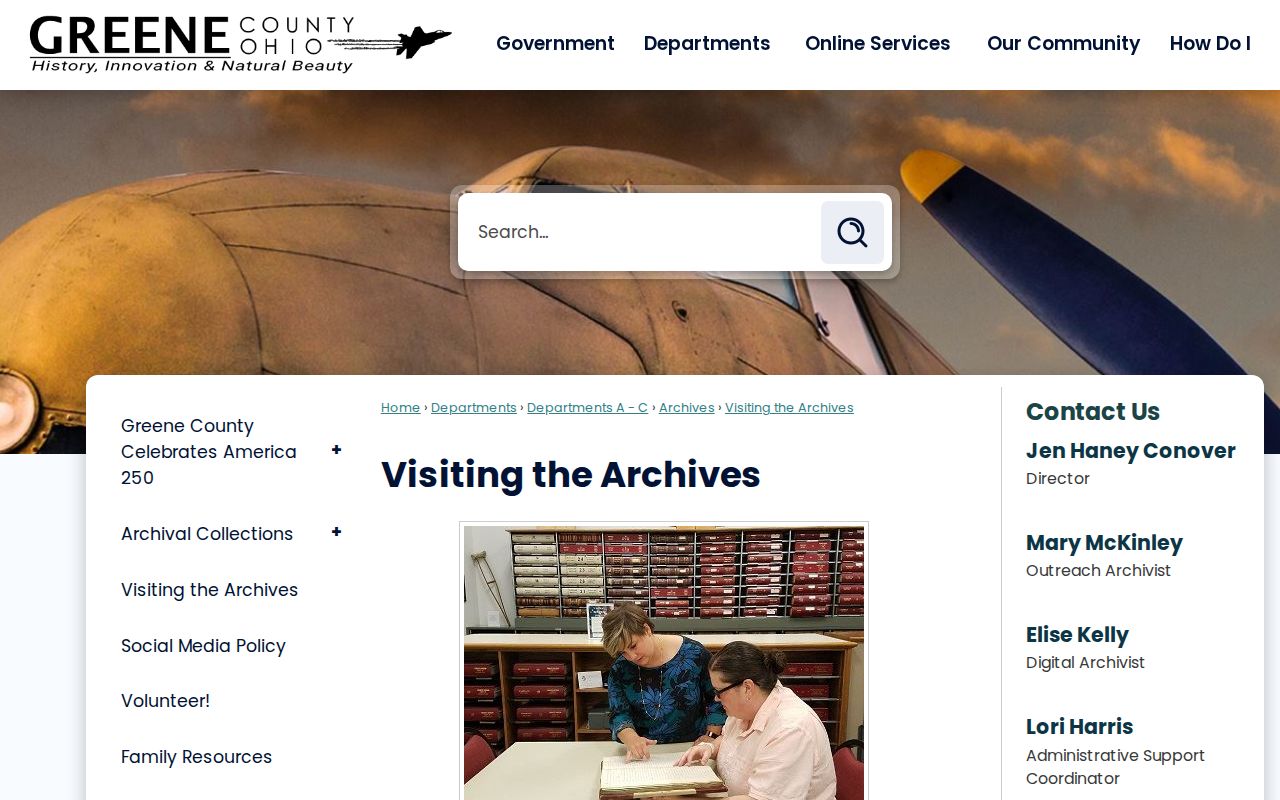
Digging into older Greene County court records usually means starting with an appearance docket or an index. From there you chase the matching final record or minute book. It is a different workflow from typing a name into CourtView, since not every historical docket has been digitized.
Access and Restricted Cases
Not every Greene County case will show up in a public search. CourtView bars internet access to domestic-violence protection orders. It also bars civil stalking and sexually oriented offense protection orders. Probate opens its dockets except for confidential proceedings. Juvenile inspection rules sit well outside ordinary adult-record access. Sealed or expunged cases can vanish from a public result entirely. Redaction rules shield personal identifiers and restricted material.
Electronic storage does not mean public storage. Greene County Juvenile Court has kept records electronically since January 1, 2020. Yet that format gives no one a right to view a youth file. The court does offer two public computer kiosks outside the Clerk's Office for self-represented litigants. But local rules still limit who may inspect juvenile files. When a lawful access question arises, ask the court that owns the record.
Greene County Juvenile Court's forms page lays out the self-help kiosks and copy-request resources. Those are available to the public.
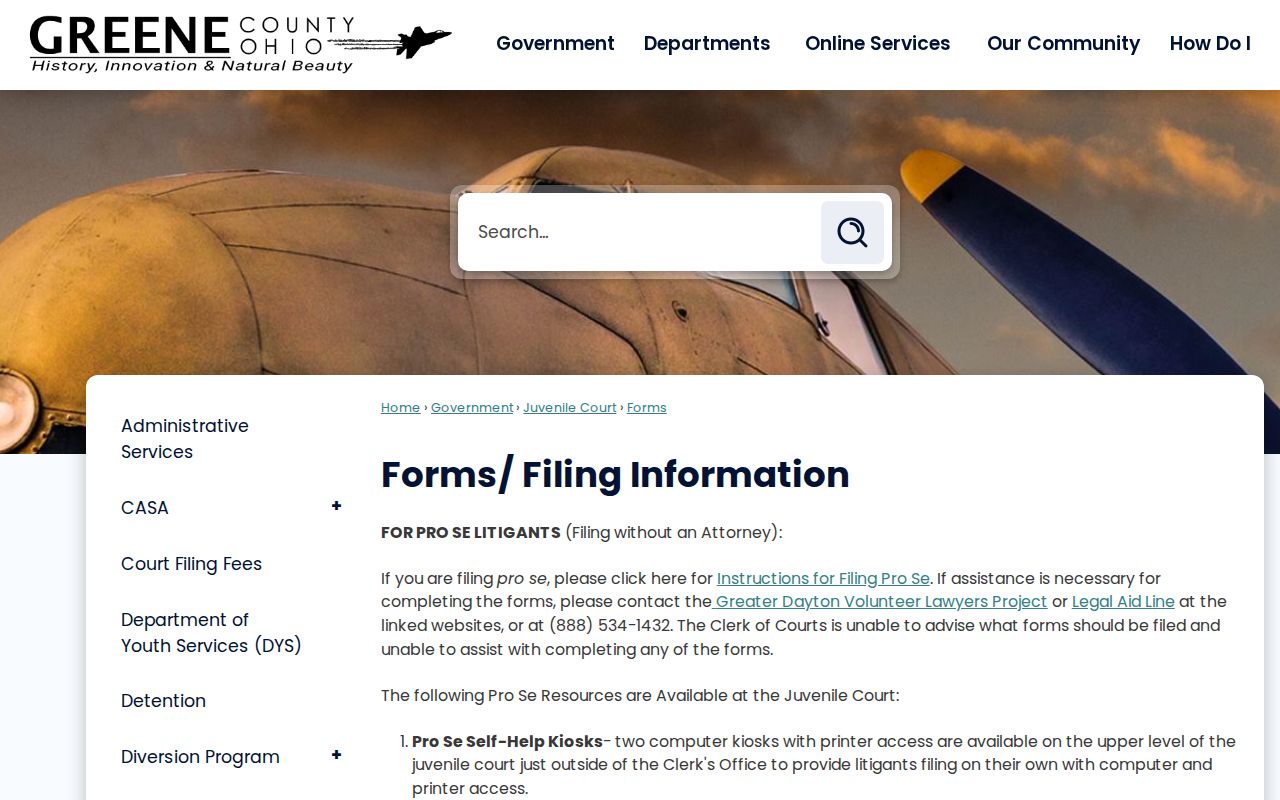
The kiosks help with court forms and self-help access. They do not unlock an unrestricted Greene County Juvenile case search, so ask the Juvenile clerk about the authorized route for a particular record.
Note: A restricted or missing result can reflect confidentiality, sealing, timing, the wrong court, or the pre-1982 gap rather than a failed search.